

How Country-Based Tax Fields Reduce Registration Errors
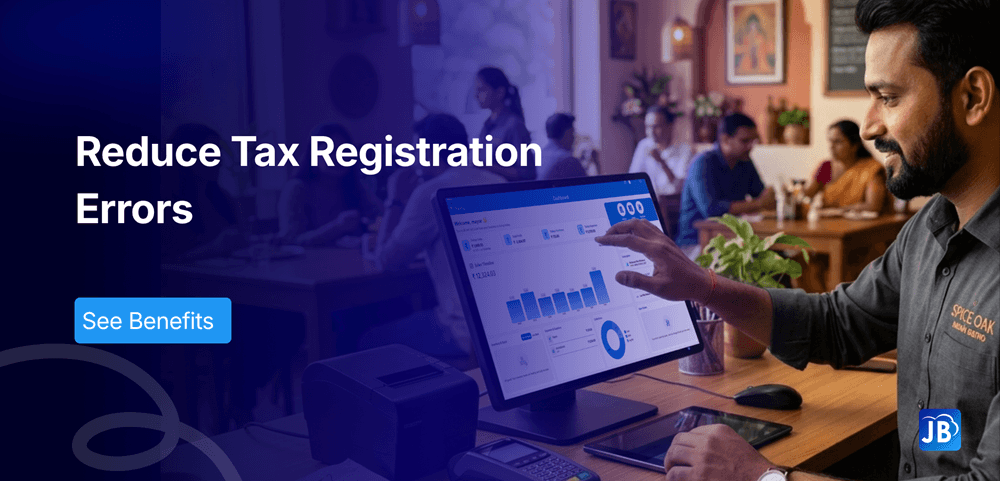
Setting up taxes correctly is one of the most critical yet error-prone steps when businesses adopt new billing or POS systems. A simple mistake in entering tax IDs, selecting the wrong tax structure, or misunderstanding regional tax formats can delay operations, lead to compliance issues, and even result in penalties.
This is where country-based tax fields come into play. By automatically adapting tax inputs based on the selected country, modern POS systems eliminate confusion and reduce registration errors significantly.
In this blog, we’ll explore how country-based tax fields simplify POS tax setup, improve compliance accuracy, and help businesses scale globally without friction.
Industry Context: The Growing Complexity of POS Tax Systems
Today’s businesses are no longer limited by geography. Retailers sell across borders, restaurants manage online and offline orders, and service providers operate globally.
But taxation hasn’t kept up with this simplicity.
Each country has its own tax logic:
- India uses GST with structured formats and multiple slabs
- European countries operate under complex VAT frameworks
- Middle Eastern regions follow evolving VAT systems
- The US uses decentralized sales tax rules
According to industry estimates, over 35% of businesses experience delays during POS onboarding due to tax setup errors. Most of these errors stem from systems that don’t adapt to regional requirements.
This is where intelligent tax automation makes a measurable difference.
What Are Country-Based Tax Fields?
Country-based tax fields are dynamic input fields within POS or billing software that adjust automatically based on the selected country.
Instead of showing generic tax fields, the system:
- Displays country-specific tax labels (e.g., GSTIN, VAT ID)
- Applies correct validation formats
- Suggests relevant tax rates
- Reduces irrelevant or confusing inputs
For example, if a business selects India, the system will prompt for GST-related details. If the country is switched to the UAE, it will automatically adjust to VAT requirements.
This intelligent adaptation ensures businesses enter the right information from the beginning.
Why Registration Errors Happen in POS Tax Setup
Before understanding the benefits, it’s important to recognize the root causes of errors.
Many businesses struggle because tax systems are not standardized globally. When POS software uses generic tax forms, users often:
- Enter incorrect tax ID formats
- Select the wrong tax category
- Misinterpret regional compliance requirements
- Skip mandatory fields unknowingly
These issues are especially common for startups, franchises, and businesses expanding into new markets.
Without proper guidance from the system, even experienced operators can make costly mistakes.
How Country-Based Tax Fields Reduce Errors
1. Automatic Field Customization
When tax fields are aligned with the selected country, users don’t need to guess what to enter. The system guides them with relevant labels and formats.
This eliminates confusion and ensures accurate data entry from the start.
2. Built-in Validation Rules
Country-based systems validate entries in real time. For example:
- GSTIN must follow a specific alphanumeric format
- VAT numbers are verified based on country rules
Incorrect entries are flagged instantly, reducing submission errors.
3. Reduced Manual Dependency
Manual tax configuration often requires external research or accountant support. Automated tax fields reduce this dependency by embedding compliance logic directly into the system.
4. Faster Business Onboarding
Businesses can complete registration and start billing much faster. What used to take hours or even days can now be completed in minutes.
5. Improved Compliance Accuracy
Accurate tax setup ensures:
- Correct invoicing
- Proper tax reporting
- Reduced audit risks
This is particularly important for businesses operating across multiple regions.
Real-World Example
Imagine a restaurant chain expanding from India to the UAE.
Without country-based tax fields, the team would need to manually understand VAT rules, configure tax rates, and ensure compliance often leading to errors.
With a smart POS system:
- Selecting UAE updates all tax fields to VAT
- Required formats and validations are applied instantly
- Invoices are generated with correct tax structures
This seamless transition saves time, reduces risk, and ensures compliance from day one.
Step-by-Step: Setting Up POS Tax with Country-Based Fields
A well-designed POS system simplifies tax setup into a guided process.
First, the user selects the business location or country. Instantly, the system configures relevant tax structures.
Next, the system prompts for country-specific tax details such as GSTIN or VAT ID. These fields include validation checks to ensure accuracy.
Then, predefined tax rates are suggested based on industry standards. Users can adjust them if needed.
Finally, the system applies these settings across billing, invoicing, and reporting modules automatically.
This structured approach removes guesswork and ensures consistency.
Expert Insights & Best Practices
Even with advanced systems, businesses should follow certain best practices.
Always verify tax details with a qualified accountant during initial setup, especially when entering new markets. While automation reduces errors, professional validation adds an extra layer of security.
Regularly update your POS system to stay aligned with changing tax regulations. Tax laws evolve, and outdated systems can lead to compliance issues.
Train staff on basic tax understanding so they can identify potential errors early. Technology simplifies processes, but awareness strengthens accuracy.
How Just Billing Makes Tax Setup Effortless
Just Billing addresses one of the most common pain points in POS adoption that is tax complexity.
Its system is built with intelligent country-based tax fields that adapt instantly to your business location.
With Just Billing, businesses experience:
- Smart country-based tax ID capture with built-in validation
- Automatic alignment with GST, VAT, and other global tax systems
- Seamless integration across invoices, reports, and payment systems
- Faster onboarding with minimal manual configuration
- Multi-currency and global-ready infrastructure
What sets Just Billing apart is its ability to combine compliance with simplicity. Businesses don’t need to worry about technical tax setups the system handles it intelligently in the background.
Conclusion
Tax setup doesn’t have to be complicated or error-prone. With the growing complexity of global taxation, businesses need smarter systems that adapt automatically.
Country-based tax fields are no longer a luxury they are a necessity for accurate, fast, and compliant POS setup.
By reducing manual errors, improving validation, and simplifying onboarding, they empower businesses to focus on growth instead of compliance challenges.
If you’re looking to streamline your POS tax setup and eliminate registration errors, adopting a system like Just Billing can make all the difference.
FAQ's:
Country-based tax fields are dynamic input fields that adjust according to the selected country, ensuring correct tax formats and compliance requirements.
They minimize errors by applying validation rules, showing relevant fields, and preventing incorrect data entry during setup.
Accurate POS tax setup ensures proper invoicing, compliance with regulations, and avoids penalties or audit issues
Yes, Just Billing supports multiple tax systems including GST, VAT, and other country-specific formats with built-in validation.
Yes, businesses can update tax settings anytime to reflect regulatory changes or operational needs.

Search for article
Popular Posts
Download Our App
Share the Post
Explore our POS Software
Retail Billing Software
Super market, Grocery, Electronics, Gift Shops & Stationery
Restaurant Billing Software
Take away, Self service, Ice cream parlor, Coffee shop, Bakery
POS for Service Business
Accountant, Lawyer, Consultant, Photographer
Join Our Newsletter
Receive the latest blog posts, industry insights & exclusive Just Billing updates directly to your inbox.